Agent contact data: free vs. paid sources
Compare free insurance licensing lookups, public exports and paid contact packages by the question they answer, the preparation work required and the evidence they preserve.
The practical takeaway
Choose a source by its question, fields, date and preparation requirements. A paid contact package adds a defined delivery workflow; it does not turn a snapshot into live regulator verification.
Free and paid insurance agent data are useful for different jobs. A current regulator lookup may be the right tool for one credential question. A public download can support an analysis project when the fields and scope fit. A prepared contact package can reduce the work of organizing a dated audience for a repeatable import.
The useful comparison starts with the task rather than a claim that one format is always better. Use this guide to estimate preparation work, inspect actual source coverage and keep the distinction between an available record and a suitable outreach destination clear.
1. Start with the question your team needs answered
For one current license decision, go to the relevant authority and follow its verification process. For an address-based territory analysis, you need a reproducible population and geographic definitions. For CRM preparation, you also need stable identifiers, field documentation and a plan for related qualifications.
A fictional recruiter checking one named person has a different task from an operations analyst preparing several thousand source rows for review. Price alone does not distinguish those jobs. Write the expected output first: a verified credential result, a research worksheet or an importable contact file.
| Approach | Often useful for | Work or limits to inspect |
|---|---|---|
| Official individual lookup | Checking a particular current credential | Search requirements, identity matching and review date |
| Available public export | Building an analysis from the fields actually supplied | Download availability, scope, normalization and missing contacts |
| Manual business research | Understanding a small named audience | Time per record, corroboration and update tracking |
| Prepared contact package | A defined address-based population and linked files | Edition dates, channel coverage, dictionary and current-check needs |
2. Inspect what a free source actually supplies
Do not assume every lookup has a bulk export or every licensing export has email and phone. Open the actual source route, inspect the documented fields and determine whether the available output covers individuals, entities, licenses or appointments. A list of source links is not evidence that those records were acquired into a product.
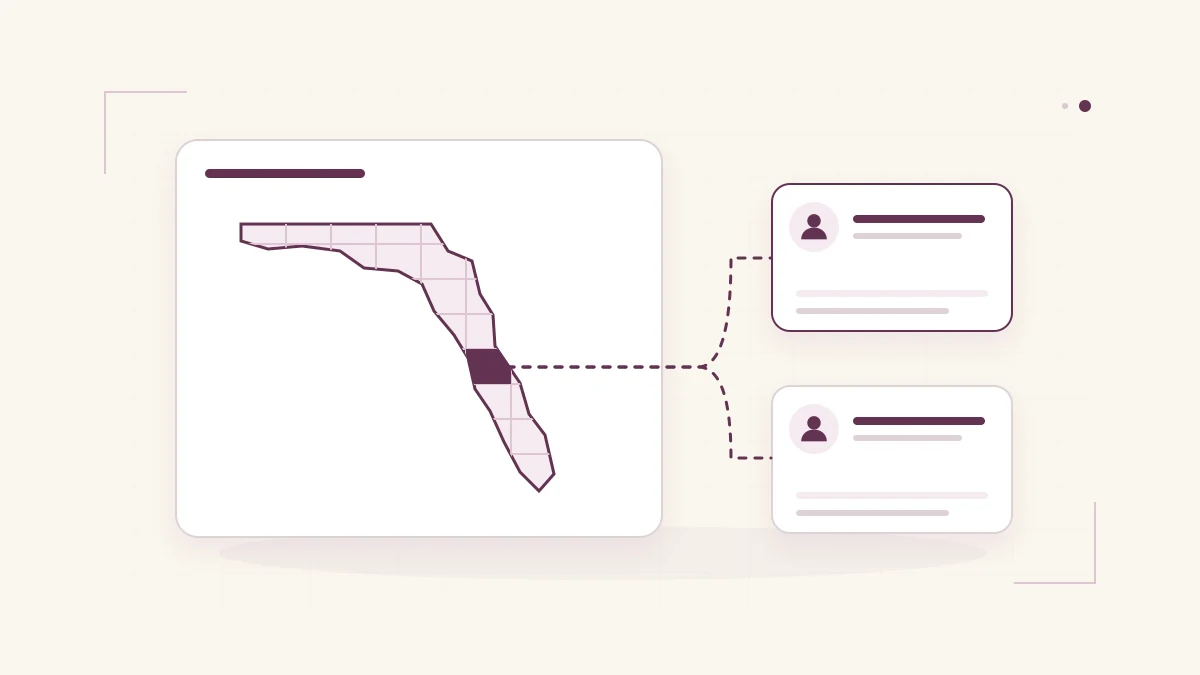
For a concrete official example, Florida publishes several bulk download categories, including separate individual-license, business-license and appointment files. Those categories should not be combined into one person count without understanding their relationships. Inspect the current source format before estimating the work involved.
3. Estimate the preparation work behind a usable file
A raw export may require parsing, normalizing identifiers, mapping license categories, distinguishing people from entities and resolving repeated people. Geographic selection needs a stated address basis. Shared inboxes and switchboards need destination review even after individual identities have been resolved.
Your estimate should include quality review, not just the time needed to download a CSV. A file that opens successfully can still have confusing dates, incompatible column meanings or a one-to-many license structure. Keep the original source and document transformations so another colleague can reproduce the result.
- Confirm the available output and the counted unit.
- Preserve identifiers, source dates and original values.
- Define identity-resolution and duplicate-review rules.
- Distinguish address geography from issuing jurisdiction.
- Measure email and phone presence separately.
- Test the CRM mapping and suppression process before enrollment.
4. Evaluate the actual delivery a package provides
Insurance Agent Contacts packages organize a selected contact-bearing population into contacts.csv with linked licenses.csv, a dictionary and release notes. State products use selected address geography, and the national package combines the released state populations. Review the exact package rather than assuming every product has the same fields or channel mix.
Open data sources to see the edition's included evidence, data coverage for measured counts and the sample for field inspection. Paid delivery should make scope easier to understand; a price tag should never substitute for those checks or imply access to every regulator's native inventory.
For a historical cost comparison, edition insurance-2026-11-10-v1 used November 10, 2026 source snapshots. Its state packs listed at $29 to $149 and the combined US pack at $499. Florida was $149 for 303,006 selected people and California was $99 for 26,306. Check current package prices and the current state listing when comparing a new purchase with staff time.
5. Compare total effort against the required output
Use a simple, explicitly hypothetical cost comparison. Suppose a recruiter estimates four hours to acquire, document, normalize and test a suitable free export, and values that work at $50 per hour. Preparation would cost $200 in staff time. If the $149 Florida package fits the same task and field requirements, its file-preparation cost may be preferable. Your own time estimate and the actual scope determine the result.
The arithmetic is 4 × $50 = $200, then compare that $200 with the edition’s $149 purchase price. It is not a claim that every team saves $51: package buyers still need audience research, CRM matching, suppressions and campaign review. If the free source requires only a ten-minute individual credential check, buying a whole-state archive solves a different and more expensive problem.
For a carrier checking one named agent’s current credential, choose the official lookup. For an operations team preparing the same address-based import repeatedly, compare the prepared package with the cost of building equivalent files. For a software vendor needing agency buying authority or installed technology, neither the generic lookup nor the core contact package establishes those facts; add business research.
| Fictional task | Cost comparison | Practical choice |
|---|---|---|
| One current credential check | Time for the official lookup versus a whole-package purchase | Use the issuing regulator’s current lookup |
| Florida contact-file preparation | Hypothetical4 hours × $50 = $200 versus edition price $149 | Compare field and scope fit before choosing the package |
| Seven-state CRM research project | Actual state-pack sum versus national price $499 | Compare geography, overlap and staff preparation together |
| Identify an agency software buyer | Research time remains under either source route | Budget separately for buyer-role discovery |
6. Choose a bounded next step
For a credential question, use the official lookup and record the result. For a larger import, inspect the current sample and field guide, noting that the public preview is masked and reduced, and resolve essential fields it cannot test. For territory planning, compare state packages, supported county packages and the national file using the same edition and actual prices.
Keep a short decision note: the task, chosen format, essential fields, date requirements, preparation work and remaining checks. If neither the free source nor the package provides an essential field, leave the gap visible and choose a separate research step. That produces a clearer decision than treating either price or volume as a substitute for fit.
Common questions
Are regulator lookups and paid contact packages interchangeable?
No. A current credential lookup and a dated address-based contact archive answer different questions. Choose the route that supports the decision you need to make.
Does free licensing data always include contact details?
No. Inspect the actual output and documented fields. Lookup availability, bulk export availability and email or phone coverage are separate issues.
Does purchasing a package remove the need for later review?
No. Retain source dates, test field mapping, review shared destinations and apply your existing suppression and outreach processes before using the working list.
Put the guide to work
Start with a closer look at the data.
Compare the sample and current coverage before choosing a state, Florida county, or national package.