Building a Florida county-level agent list
Scope a Florida insurance agent list with recorded county assignments, compare county and state overlap, and preserve geography and license context through a CRM import.
The practical takeaway
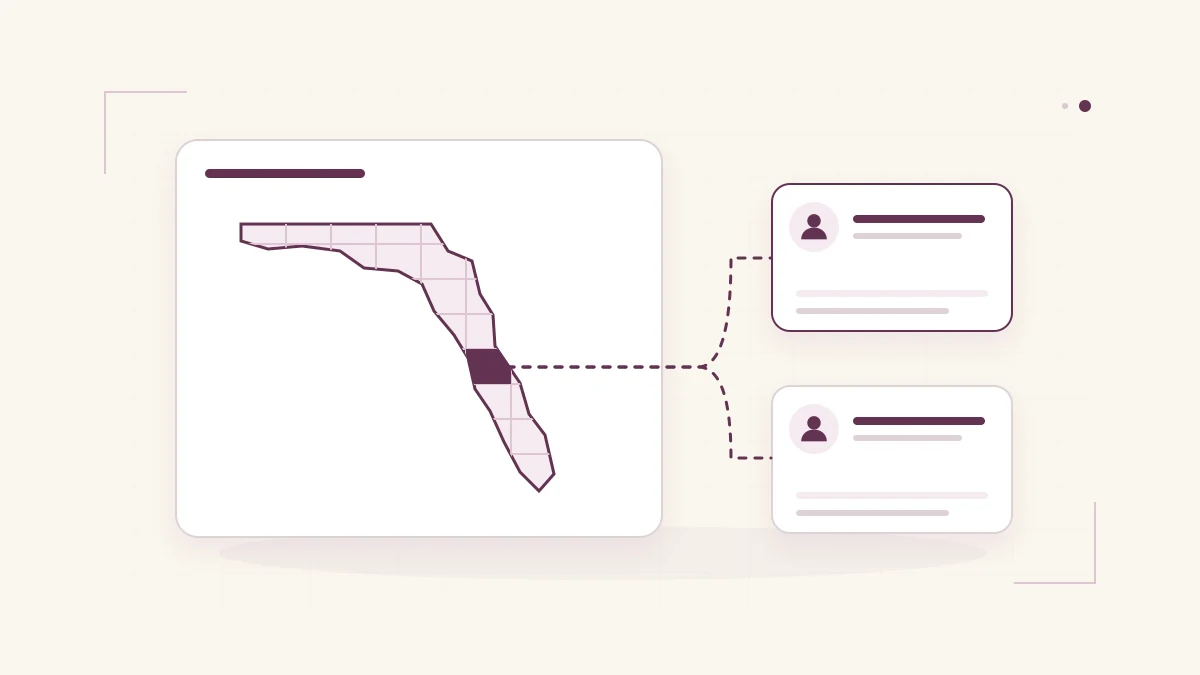
Florida county packs select agents from the same edition's Florida contact population using validated recorded county values. Treat them as address-based subsets and retain the parent edition when comparing or combining files.
A Florida county-level agent list can help a team focus its research budget on a defined local address territory. It is most useful when the county assignment has a clear basis and the team understands what a selected address can, and cannot, say about an agent's business.
The historical November 10, 2026 snapshot had 67 Florida county packs covering 289,040 people with a validated county, out of 303,006 people in the state pack. The worked county and pricing comparisons below use that edition. For a purchase today, use the current Florida county listing and state pack.
1. Define the local territory before selecting a county
List the counties your team can support and the research capacity available in each. For a fictional agency recruiter covering South Florida, Miami-Dade, Broward and Palm Beach form one proposed territory. A carrier distribution manager might instead begin with Orange County, while a local software vendor may prefer Alachua’s smaller research queue. County package size and price can be compared before selecting either.
Keep that operational territory separate from an agent's complete service area. A selected business or mailing address is a geographic field in the source, not proof that the person only sells within the county or is available for a nearby event. Research those questions when they matter to the offer.
2. Understand how the county selection is made
The county workflow uses the verified Florida parent edition and accepts a recorded county for a Florida address when it matches the supported official county naming. The normalization includes Florida's DADE alias for Miami-Dade. A missing county or an out-of-state designation does not become a county assignment through a guess.
This distinction matters when evaluating a local list. A ZIP code or phone area code is not the same as documented county evidence. Read the package and data source information rather than assuming every Florida-address contact automatically belongs to an available county product.
| Field or relationship | How to use it | Boundary |
|---|---|---|
| Recorded county | Select the supported local address subset | Does not establish an exclusive service territory |
| Address state | Confirm Florida parent membership | Separate from the state that issued a license |
| County package edition | Match local files to their Florida parent | Avoid mixing revisions without review |
| producer_id | Track people across your purchased files | A parent and subset can contain the same person |
3. Review coverage and dates on the county page
The following are historical package figures and one-time prices in edition insurance-2026-11-10-v1, published November 11, 2026 from November 10, 2026 source snapshots. See the Florida county listing for current figures. Counts describe selected people assigned to the recorded county, not all license holders or agency offices in the area.
For a local vendor, Alachua’s 1,925 people may be a more manageable initial research population than Miami-Dade’s 47,484. An email-focused team should compare unique destinations too, then apply its own customer and suppression overlap. Choose the territory the team can research and support rather than assuming the largest row count is the best first purchase.
| County package | Agents | With email | Distinct emails | Edition price |
|---|---|---|---|---|
| Miami-Dade County, Florida | 47,484 | 47,484 | 45,965 | $49 |
| Broward County, Florida | 35,730 | 35,729 | 34,799 | $49 |
| Palm Beach County, Florida | 23,355 | 23,355 | 22,997 | $49 |
| Orange County, Florida | 22,512 | 22,512 | 22,077 | $49 |
| Alachua County, Florida | 1,925 | 1,922 | 1,903 | $29 |
4. Compare county, state and national overlap
A Florida county pack is a subset of the Florida state population from the same edition. The Florida population is included in the matching national file. The 67 county packs in the November 10 example summed to 289,040 people, leaving 13,966 of the 303,006 Florida-address people outside validated county assignments. Buying every county therefore does not reproduce the complete Florida state file.
For the fictional South Florida recruiter, Miami-Dade 47,484 plus Broward 35,730 plus Palm Beach 23,355 totals 106,569 people at $147 for the three $49 packages. In that historical edition the whole Florida pack cost $149, just $2 more for the broader 303,006-person address population. Three counties can still be the right operational scope, but this price comparison makes the broader package worth considering.
Two of those $49 counties cost $98, while four cost $196, so compare the actual selected county sum with the state’s $149 price before checkout. A person has one selected county under this workflow, but email destinations can repeat across counties. Recompute distinct email and phone values across a combined selection instead of adding county unique totals.
5. Prepare a county-aware CRM import
Create separate properties for selected address state, recorded county, address basis, package edition and source dates. Preserve producer_id so a later parent-file import can be reviewed against the same person. Keep license qualifications in related evidence rather than turning the county into a licensing jurisdiction.
Test a reviewed subset while automatic enrollment is paused. Confirm that county labels map into the intended property, existing contacts remain matched and shared destinations do not merge distinct people unexpectedly. Preserve original source fields before making local corrections or adding researched territory ownership.
- Define the operational territory in county names.
- Confirm recorded county basis and the matching Florida edition.
- Compare email, phone and distinct-destination coverage.
- Review overlap with any state or national file already owned.
- Test identifier and geography mapping in the CRM.
- Apply existing contact history and suppressions before outreach.
6. Plan research around the selected territory
Assign a local research owner and define what needs to be learned beyond the file. That might include the appropriate agency decision maker, relevance of your training offer or the current business context. Recorded license categories can help frame a question, but they do not establish independent status, carrier appetite or buying authority.
For a current credential decision, check the relevant issuing authority. For contact preparation, use the shared inbox guide and coverage audit to coordinate destinations and history. Keep results attached to the reviewed selection rather than generalizing them to all agents in the county.
Finish with a short territory note naming the counties, edition, channel fit and remaining research. This helps a later colleague expand the project or evaluate a new edition without having to reconstruct why the original county selection was made.
Common questions
Are county packs separate from the Florida state population?
They are subsets of their matching Florida parent edition. The same person can appear in a county file and its parent, so preserve producer_id when reviewing overlap.
Does a county address prove the agent only serves that county?
No. It describes recorded address geography. An agent's complete business territory or attendance at an office requires separate research.
Can every Florida row be assigned to a county?
Do not assume that. The workflow requires supported recorded county evidence. Missing and out-of-state values do not receive a guessed county assignment.
Put the guide to work
Start with a closer look at the data.
Compare the sample and current coverage before choosing a state, Florida county, or national package.