Evaluating an agent data sample before buying
Use a concrete worksheet to evaluate an insurance agent data sample for field coverage, geography, identity relationships and CRM fit before purchasing a package.
The practical takeaway
Review the sample against a written use case, separate the visible masked preview from tests that require full paid files, and keep each finding tied to the rows and edition actually checked.
A sample should help you decide whether a data product fits a particular workflow. It can show column structure, recorded names, missing fields and import behavior. It cannot establish the accuracy of an entire database simply because a handful of rows look reassuring.
Write your purchase criteria before opening the file, then record what you actually check. The worksheet below is designed for teams comparing insurance agent packages for research, recruiting or outreach preparation. Keep the findings attached to the sample and edition you reviewed.
1. Set the purchase criteria before inspecting rows
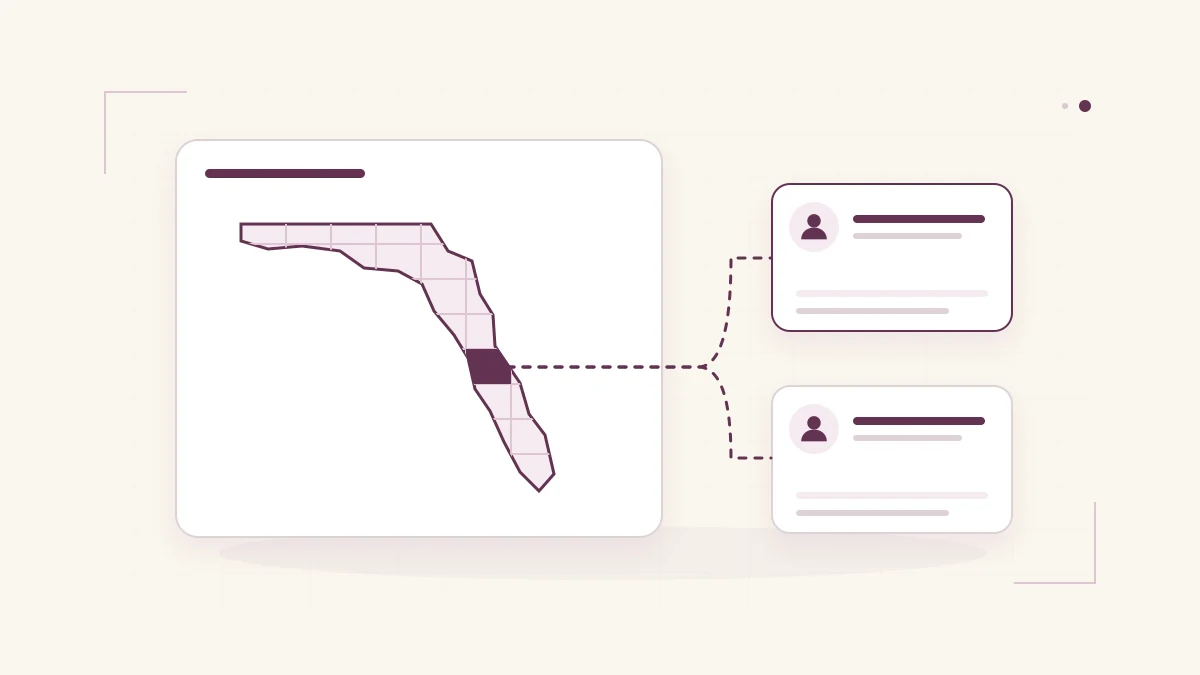
Define the audience, address geography and essential fields in a short brief. A fictional agency recruiter might need selected addresses in Florida, a recorded license category and a phone field. A software researcher might need email and enough identity context to investigate the relevant agency workflow.
Classify fields as essential, useful or unnecessary. Decide which missing evidence would stop the purchase and which questions can be resolved through later research. This keeps a large headline count or attractive sample from replacing the operational requirements that made you consider the file.
2. Choose the sample that answers your question
In edition 2026-11-8cdc0a9d9023, dated November 11, 2026, the public preview CSV includes 255 rows and 11 columns across all 50 address states and DC. It shows names, city, Florida county where recorded, categories and address basis. Email, phone, ZIP and NPN are masked. There is no full producer_id in the preview.
The sample page also offers an emailed download link for this edition. The ZIP contains 500 unmasked records in contacts.csv, with the same 32 contact columns as a paid package. Use that file to evaluate source IDs, formatting and contact-field mapping. It contains no licenses.csv, so a complete contact-to-license join still needs the paid package or a rehearsal with fictional license rows.
The public preview uses up to five rows per address jurisdiction and prioritizes records with both channels before other records in file order. It is an illustrative, deterministic selection. Neither state proportions nor contact completeness in these rows should be projected to the complete package. Use the package’s measured coverage totals for that comparison.
| Buyer question | Evidence to inspect | Practical next step |
|---|---|---|
| Names, cities and categories | 255-row public preview | Check formatting and address basis |
| How many people have email or phone? | Package page for the selected edition | Use full-package counts to judge coverage |
| Exact contact values and source IDs | 500-row emailed ZIP | Check recorded values and missing fields in contacts.csv |
| Paid contact schema | 32-column contacts.csv in the emailed ZIP | Test the column map and preservation of text IDs in an approved evaluation environment |
| One person linked to several licenses | Neither sample contains licenses.csv | Rehearse with fictional license rows and validate with the purchased files |
3. Complete a review worksheet with real denominators
Keep the original sample file unchanged and write findings in a separate sheet. Use a pass, hold or fail tied to each actual purchase criterion. The example below is a fictional evaluation by an insurtech vendor; it demonstrates the decision process rather than claiming measured quality for sample contacts.
The vendor needs a Florida audience and an import that preserves the source person key. It can inspect location and category labels in the public preview, request the emailed ZIP to test producer_id handling, and document a separate test for joining license records after delivery.
| Fictional buyer requirement | Evidence available | Example finding |
|---|---|---|
| Inspect location and category format | Visible public preview columns | Pass for initial format inspection |
| Judge Florida-wide email coverage | Florida package’s full-population counts | Record the catalog numbers; do not estimate from five preview rows |
| Test exact producer_id-to-CRM matching | Full producer_id available in the emailed contacts.csv | Hold until approved test import preserves the intended records |
| Test contact-to-license association | No sample license file | Hold: inspect the paid dictionary and validate after delivery |
| Use the preview as a sendable contact list | Masked contact values | Fail: this preview cannot support that task |
| Purchase decision | Geography fits and the contact schema can be tested before buying | Confirm contact mapping and plan a separate license-join check |
- Product, edition, sample type and review date.
- Rows inspected and how they were selected.
- Essential field presence with numerators and denominators.
- Repeated email, phone and possible identity matches.
- Address geography and recorded address basis.
- CRM mapping results, unresolved questions and purchase decision.
4. Check identity, qualifications and geography separately
For visible preview rows, compare the available name, location and category context. Do not attempt exact identity merges using masked NPNs. For the full purchased file, preserve producer_id when joining contacts.csv to licenses.csv, and review shared destinations separately from duplicate identities.
Confirm whether the address is recorded as business or mailing and distinguish address state from issuing jurisdiction. An agent can have a selected address in one state and supporting license evidence from another. If the workflow depends on a specific current credential, plan that official verification separately rather than assuming the sample establishes it.
5. Rehearse the import with campaigns paused
Use the 11-column public preview for its visible fields. For the paid contact-column layout, work from the 32-column contacts.csv in the emailed sample ZIP. In a permitted test environment, check the import of person keys, postal codes and shared destinations. Rehearse multiple license rows per person with fictional data and validate the actual join to licenses.csv after purchase.
Record the expected number of people and compare it with the number created, updated, rejected or merged. Confirm that existing opt-outs, customers and active conversations remain recognized. An import that succeeds technically can still have the wrong record model or campaign enrollment settings.
Keep automatic messaging disabled during the test. The purpose is to verify file handling and record relationships. It does not establish channel permission, recipient interest or successful delivery. Review those operational requirements before using the eventual working list in an outreach tool.
6. Make a documented purchase decision
Compare your findings with the original criteria. Choose to proceed, ask a focused question, select another geographic package or stop. Record the reason in one paragraph, including any cleanup work and unresolved field limitations. This is more useful than a vague quality score that hides the tradeoff.
Before checkout, open the actual package options, compare their included population and source dates, and review pricing and terms. Keep the worksheet so the delivered paid file can be checked against the same requirements. A sample review becomes valuable when it guides both the purchase and the import that follows.
Common questions
Can I use the public preview to test exact contacts or license joins?
The public preview masks contact and identifier values. Edition 2026-11-8cdc0a9d9023 offers an emailed ZIP with 500 unmasked rows and all 32 contact columns for field-level evaluation. Neither sample includes licenses.csv. Test the actual join against the purchased contact and license files.
Does a clean sample prove an entire package is accurate?
No. Record the sample type, rows checked, selection method and edition. Findings should remain attached to that inspected population.
What should stop a purchase?
An unmet essential field requirement, incompatible geography, an unresolved product definition or an import behavior that prevents your planned workflow should be resolved before buying.
Put the guide to work
Start with a closer look at the data.
Compare the sample and current coverage before choosing a state, Florida county, or national package.