How to build an insurance agent email list
Build an insurance agent email list around the right geography, measured coverage, sample review and CRM preparation, with a clear process before outreach.
The practical takeaway
Define the audience first, inspect actual email coverage and sample structure, preserve source context, then review the selected destinations against your own outreach requirements.
A useful insurance agent email list starts with a specific audience and a workflow. Buying the largest count before defining either can leave you with the wrong geography, too few distinct email destinations or a file your CRM cannot import cleanly.
Use the steps below to move from a campaign brief to a reviewed working list. The examples are planning exercises, not forecasts. A recorded email address gives you a value to assess; it does not establish mailbox delivery, recipient interest or permission to use a particular sending platform.
1. Write a one-paragraph audience brief
State who you want to reach, why the offer is relevant, which address territory matters and what evidence would make someone a poor fit. For example, a fictional agency recruiter wants Florida-address agents with recorded life qualifications for a defined recruiting role. The first deliverable is a researched candidate queue, not an unfiltered campaign. A software vendor would add agency-role and workflow research instead.
Do not treat license category as proof of production volume, carrier relationships, independent status or software budget. Put those items in a research stage if they matter. The list can start a qualification workflow; it should not silently stand in for facts the source does not provide.
2. Choose the smallest useful geographic scope
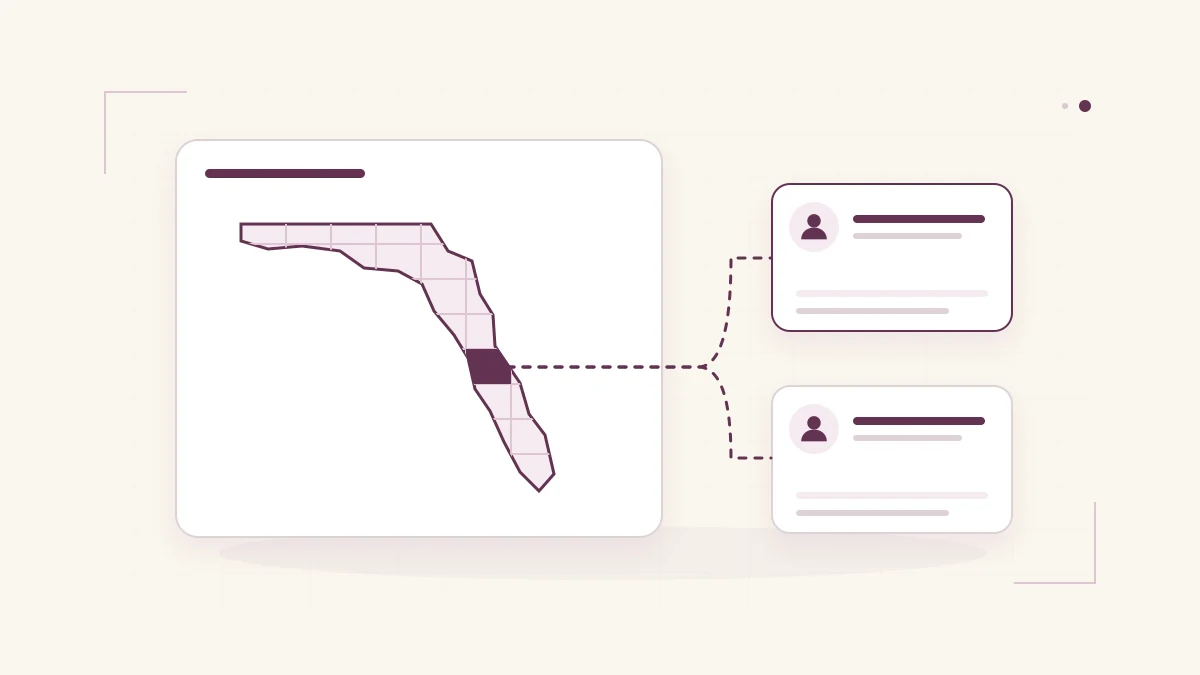
Compare a state pack, a supported Florida county pack and the combined national pack against the written territory. These products group people by selected address. An address state is separate from the jurisdiction that issued a recorded license, and neither alone proves a complete sales territory.
If you need several locations, check their overlap before purchase. A Florida county pack is drawn from its parent Florida edition, and the combined US package contains the released state populations. Retain the edition identifier so a later comparison does not mix different snapshots.
| Campaign need | Starting point | Review before selecting |
|---|---|---|
| One address state | State package | Email-bearing and distinct-email counts; source dates |
| A supported Florida county | County package | Recorded county definition and overlap with the state file |
| Several address states | Compare state selections with the national pack | Actual package coverage, price and repeated destinations |
| Current credential verification | Issuing regulator lookup | Current license status rather than contact-package geography |
3. Measure email scope before buying
Read the package's agent count, email-bearing count and unique-email count together. A large phone-bearing population does not make a file suitable for an email-only workflow. Shared agency inboxes can also make the number of distinct destinations smaller than the number of agents with email.
Use data coverage for published measurements and data sources for the edition's inputs. Keep each percentage attached to its denominator. Email presence is the proportion of included people with a value; it is not a deliverability percentage or an estimate of likely replies.
In the historical November 10, 2026 snapshot (insurance-2026-11-10-v1), the Florida pack listed at $149 and contained 303,006 people, 302,975 with email and 293,665 distinct email values. These all-category figures illustrate the starting point for a recruiter. Apply the same calculation to the current Florida pack, then narrow the list by recorded category, existing relationships and suppressions.
| Preparation stage | Recruiter’s action | Count to retain |
|---|---|---|
| Choose package | Compare Florida geography, edition, price and fields | Published package people and distinct emails |
| Choose qualifications | In the purchased file, review producer_categories and linked life evidence | People meeting the documented requirement |
| Resolve existing records | Match current agents, recruits and open conversations | People remaining for new research |
| Review destinations | Group repeated emails and apply maintained suppressions | Distinct destinations cleared for the intended process |
| Assign research | Give each remaining person an owner and next step | Candidates researched and qualified conversations |
4. Review the sample against your import requirements
Edition 2026-11-8cdc0a9d9023, with source snapshots dated November 11, 2026, has a public preview CSV with 255 rows and 11 columns across all 50 address states and DC. Inspect names, locations, categories and address basis there. Email, phone, ZIP and NPN values are masked in this preview.
For exact contact-field tests, request the free sample by email. The link for this edition downloads a ZIP containing 500 unmasked records in contacts.csv, with all 32 contact columns. In an approved evaluation environment, check how your mapping handles producer_id, missing channels and shared destinations. The ZIP contains only contacts.csv. Checking a real contact-to-license join requires the purchased licenses.csv.
Keep a record of which sample and edition you tested. Rehearse one-to-many license mapping using fictional rows and confirm a small subset against the actual paid files after delivery. Direct questions about essential fields to product support.
- Write the target address territory and essential fields.
- Record package edition and source dates.
- Compare people with email against distinct email values.
- Inspect identifier, geography and license-file relationships.
- Test mapping with automatic campaign enrollment paused.
- Document unresolved questions before purchasing.
5. Prepare a working copy with explicit review stages
After download, keep the original archive unchanged and create a working copy. Preserve producer_id, source context and original contact values. Match against existing CRM records using your documented identity rules, then review repeated email destinations without automatically merging the people behind them.
Apply your existing customer, active conversation, opt-out and prior-failure lists before any enrollment. If you assess email channels, record the assessment date and result categories, including uncertain outcomes. Do not turn a populated source field or a catch-all result into a verified deliverable label.
Check your sending platform's acceptable-use and imported-contact requirements before configuring a campaign. Data availability and a successful CRM import answer different questions from platform permission and applicable outreach obligations. Keep the operational decision with the team responsible for sending.
6. Run a controlled, documented pilot
Assign a clear owner and record the audience selection, source edition, review date and suppression version. Use a manageable reviewed subset only after your team's channel and outreach checks are complete. Start with a specific reason for contacting that audience and an offer you can explain without assuming unverified facts about each agent.
Evaluate operational issues before expanding: mapping errors, repeated destinations, unexpected responses, opt-out handling and your ability to stop further enrollment. A pilot measures the subset and process you actually used. It cannot prove that every email in the package is current or that another territory will behave the same way.
Keep the sample evaluation worksheet with your purchase notes, and use the email compliance guide for the next review. This gives future imports a repeatable starting point instead of asking each campaign owner to reconstruct the list's history.
Common questions
Does every agent in a package have email?
No. Packages contain contact-bearing agents with email, phone or both. Read the package's email-bearing and unique-email counts before choosing an email workflow.
Does an address-state list prove licensing in that state?
No. Address geography and issuing-state evidence are separate. Read linked license records and use the relevant regulator when current authorization matters.
Can I start a campaign immediately after import?
Keep automatic enrollment paused until mapping, duplicate destinations, suppressions, platform requirements and your outreach review are complete.
Put the guide to work
Start with a closer look at the data.
Compare the sample and current coverage before choosing a state, Florida county, or national package.