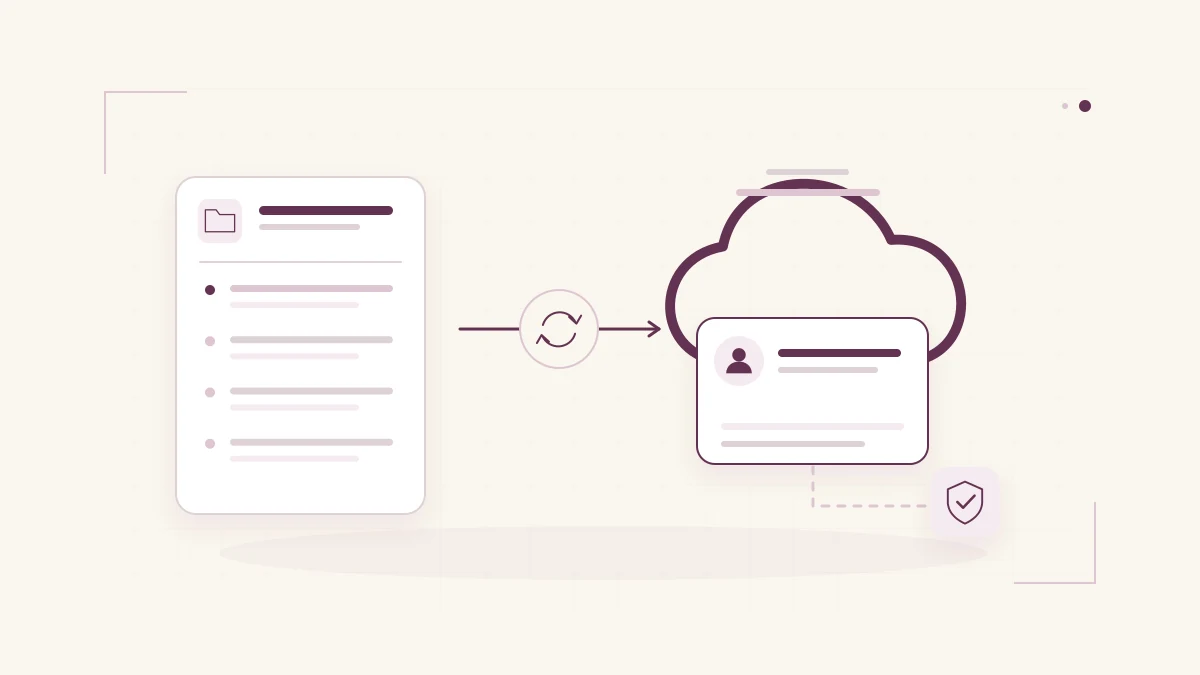
Importing agent contacts into HubSpot
Prepare insurance agent field mappings for an eligible HubSpot workflow, with clear import-policy checks, shared inbox handling and linked license evidence.

The practical takeaway
Check the actual HubSpot import and sending requirements first. Keep purchased records distinct from eligible first-party records, then preserve source identity, shared destinations and license relationships in any approved mapping.
Before preparing an insurance agent file for HubSpot, establish which records and use are eligible for your account and import flow. A purchased contact package and an existing first-party customer or prospect record do not carry the same relationship or permission evidence.
This guide helps prepare a field map and retain source context. Apply the import steps only to independently eligible records or a use specifically confirmed by HubSpot. Keep the original purchased file separate from the file approved for a particular CRM operation.
1. Confirm the records and intended HubSpot use
HubSpot's single-object import instructions include a declaration that contacts expect to hear from you and the file excludes a purchased list. Do not upload an untouched purchased package through that flow or make an inaccurate declaration. Ask HubSpot about the intended use if its requirements do not fit.
That documented import condition is not a conclusion about every CRM storage or enrichment operation. Existing first-party contacts need their own relationship evidence and an allowed update route. HubSpot separately requires verifiable permission for marketing email; buying a row, matching an existing record or setting non-marketing status does not supply it.
2. Prepare a source-to-property map
Keep contacts.csv, licenses.csv, the dictionary and release notes unchanged. Create a preparation worksheet with the release identifier, review decision and any existing HubSpot Record ID. The source contact file has one resolved person per row; the license file may contain several rows for that person.
For records eligible for the intended operation, map source facts separately from owner, outreach eligibility and conversation results. Keep identifiers and postal codes as text. A blank source value should remain unknown and should not overwrite a recent verified value without an explicit update decision.
| Source field | Suggested property | Mapping check |
|---|---|---|
| producer_id | Source producer ID, text | Retain independently from HubSpot Record ID |
| npn | NPN, text | Preserve the original identifier |
| first_name and last_name | First name and Last name | Review split names against full_name |
| address_state and address_basis | Source address properties | Keep separate from issuing-state qualifications |
| producer_categories | Raw category text and optional reviewed checkbox mapping | Retain the original multi-value string |
| release_id and channel dates | Source edition and date properties | Keep email and phone dates distinct |
| email_shared and phone_shared | Source sharing indicators | Blank means unknown, not false |
3. Establish identity matching before updates
HubSpot's deduplication documentation describes contact-email matching and import use of Record ID or configured unique-value properties. Naming a property External ID does not automatically make it the selected matching key. Confirm the options supported by the account and chosen operation.
Build a reviewed crosswalk between source people and existing CRM records. Keep first-party relationship and permission evidence in their original fields; a source match is not new consent. Hold conflicting identities instead of allowing a convenient email match to determine which person receives the update.
5. Retain the one-to-many license relationship
Join license rows to contacts using producer_id in a controlled worksheet or evidence store. Preserve issuing_state, license_number, producer_category, source_class, source_qualification, source_status, validity_basis and source_snapshot_date together. A filtering summary should not replace the underlying rows or combine a category from one credential with the status of another.
For a permitted CRM use, an associated object may suit an account with appropriate support. Otherwise retain the evidence outside HubSpot with a stable reference from an eligible record. Do not create an additional person for each license or treat source-valid evidence as current appointment approval.
6. Pilot only the confirmed eligible operation
Once eligibility and the update path are confirmed, test a small set of permitted records with automation paused. Include an existing record, a reviewed shared destination, multiple categories and a leading-zero postal code. Keep the purchased research cohort outside the pilot unless HubSpot has confirmed the proposed use.
Inspect field mapping, unique identifiers, blank-value handling and the completion report. Compare expected updates or creations with actual records. Confirm that relationship history, owner and permission fields remain intact. A technically successful import tests the mapping; it does not grant eligibility for a different record population or sending tool.
7. Save the mapping and review the next update
Reconcile created, updated, rejected and held records against the approved preparation file. Keep the source-to-CRM crosswalk, permitted-use decision and import result so a later edition does not restart the same identity review or silently erase human-verified information.
Use the sample to inspect field structure before purchasing and the service-provider workflow to plan research. For future imports, recheck the actual HubSpot requirements and keep the allowed source update distinct from campaign enrollment.
- Confirm record eligibility and the intended HubSpot operation.
- Keep purchased research and the approved import file separate.
- Preserve source identifiers and first-party relationship evidence.
- Review shared destinations and multi-category formatting.
- Pilot with automation controlled and reconcile outcomes.
- Retain permissions, opt-outs and the source-to-CRM crosswalk.
Common questions
Can I upload the purchased package through the documented contact import flow?
That flow includes a declaration excluding purchased lists and confirming the contacts expect to hear from you. Do not make a false declaration. Confirm a permitted use with HubSpot before preparing that operation.
Does a source match make an existing contact eligible for marketing email?
No. Preserve the existing first-party relationship and permission evidence. Matching source information, importing data and eligibility for a sending tool are separate questions.
Is producer_id the same as HubSpot Record ID?
No. Store the source person ID and CRM ID separately. A reviewed crosswalk relates them without merging distinct people who share a destination.
Put the guide to work
Start with a closer look at the data.
Compare the sample and current coverage before choosing a state, Florida county, or national package.