NPN and license lookup by state
Understand NPNs, state-issued license numbers and package producer IDs, then follow a documented workflow for checking an insurance agent's recorded qualifications.
The practical takeaway
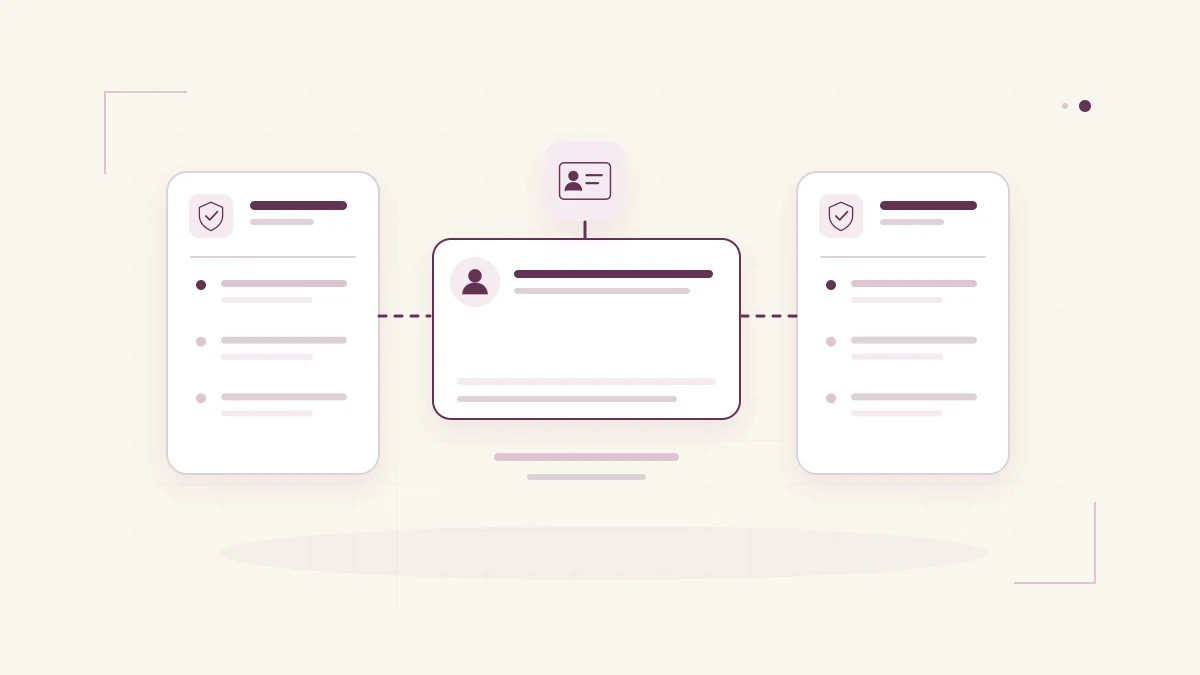
Use producer_id to relate the purchased files, NPN where available to support identity matching, and issuing jurisdiction plus license details for the current verification task.
Insurance data often contains several identifiers that look interchangeable. An NPN, a state license number and a package producer_id serve different purposes. Keeping those roles clear helps you join files, research a person and avoid treating an identifier as proof of current authorization.
To find an NPN, use NIPR’s NPN lookup. To check a state credential, use the issuing jurisdiction’s public license search. The directory below links common routes and the NAIC’s complete state-by-state agent-search selector, then shows what to record from the result.
1. Distinguish the three identifiers
NIPR describes the NPN as a unique NAIC identifier assigned during the licensing application process to individuals and business entities in its Producer Database. The NPN itself is an identifier; its presence does not establish a particular current license or appointment.
In a purchased package, producer_id links the selected contact row to its supporting license rows. Retain that value exactly as supplied. A state license number belongs with its issuing jurisdiction and source context; do not assume the same-looking number from another state identifies the same person.
| Identifier | Primary role in this workflow | What to preserve |
|---|---|---|
| producer_id | Join contacts.csv to licenses.csv | Exact text value and package edition |
| NPN | Support matching to the corresponding registry identity | Original value and whether the record is a person or entity |
| State license number | Identify a recorded state credential | Issuing state, license class and source date |
| CRM record ID | Identify your local record | The link back to imported source identifiers |
2. Write the verification question before searching
Decide whether you need to confirm identity, inspect a credential, check a current status or support a contracting review. These tasks can require different information. A valid identity match does not by itself answer whether a person has the specific authority your workflow needs.
For a fictional agent with a selected Georgia address and Florida license evidence, start the credential review with the Florida issuing details. Looking only at the address state can send the reviewer to the wrong record system. Keep the address for corroboration without substituting it for the license jurisdiction.
3. Gather source fields without modifying the original
Collect the recorded name, NPN if present, issuing state, license number, license category and snapshot date from the package. Add a separate column for your review date. Preserve identifiers as text so a spreadsheet does not reformat them or replace long values with scientific notation.
If you have several license rows, review which row supports the specific question. Do not pick the first row because it is convenient, and do not summarize every recorded credential into one ambiguous active flag. Keep the individual rows available when your reviewer needs to investigate a discrepancy.
- Confirm whether the record represents an individual or an entity.
- Copy the identifier exactly and preserve its source.
- Carry the issuing jurisdiction into the lookup.
- Note the credential class being checked.
- Record both snapshot date and review date.
- Leave uncertain matches unresolved until corroborated.
4. Find the public lookup for the issuing state
Use the NAIC’s complete insurance department and agent-search directory for every state and DC: under “Find an Insurance Agent,” choose the issuing jurisdiction and follow its search route. The selected contact address is not the jurisdiction selector for this task. The direct starting points below were reviewed on November 11, 2026.
For the fictional Georgia-address agent with Florida evidence, open the Florida DFS search, choose the individual rather than agency route, and use the recorded NPN or Florida license number to find the intended record. Review the relevant category and result, then save a dated research note. Do not use a general professional-license portal in place of the insurance department’s producer search.
These are public credential research routes, not promises of bulk contact exports. NIPR’s license verification guidance separately describes Producer Reports and subscriber access; those services should not be confused with an unrestricted public list download.
| Jurisdiction | Official starting point | Prepare for the search |
|---|---|---|
| Florida | DFS Licensee Search | Individual name, Florida license number or NPN; review the category |
| Texas | TDI agent lookup guidance | Follow TDI’s linked Sircon customer inquiry using name or license number |
| California | CDI License Status Inquiry | Individual name or California license number |
| New York | DFS Insurance License Search | Start a new session and complete the security check before looking up the producer |
| Ohio | ODI Agent / Agency Locator | Choose individual search and use name or National Producer Number |
| Louisiana | LDI agent and agency search | For an individual, enter last name, comma, then first name; review the license status |
| Every other state and DC | NAIC jurisdiction selector | Select the issuing jurisdiction under Find an Insurance Agent |
5. Record the result as new evidence
Create fields for the official source, date checked, identifiers used, credential reviewed and result. Keep these separate from the original source status. If the current result differs from the snapshot, retain both with their dates rather than overwriting the older field and losing the reason for the difference.
A no-match result is a prompt to review the input, not immediate proof that the person lacks a license. Check jurisdiction, spelling, entity type and transcription. Escalate a remaining conflict to the responsible reviewer or authority instead of guessing from an email address, an agency website or a familiar name.
Use a short review note that another colleague can follow. For example, note that the selected contact was matched using its NPN and the particular issuing-state credential was reviewed on a stated date. Avoid storing unnecessary personal information or confidential lookup inputs in shared campaign notes.
6. Bring the review back into the CRM
Link the result to the existing person instead of creating a new lead for every credential. A person with several license rows can remain one CRM contact with related evidence. This preserves campaign history and prevents a repeated credential from looking like a new recruiting prospect.
Before automating updates, test how the CRM matches records and how it handles disagreements. Preserve your producer_id mapping and original files so an import can be traced back to its edition. Use the snapshot guide for the file relationship and the sample to rehearse the mapping before importing a full package.
Common questions
Is an NPN a state license number?
No. An NPN identifies a registry identity. State-issued credentials have their own jurisdiction and license details. Keep the fields separate.
Does an NPN prove current authorization to sell a product?
No. Match the person and review the specific current credential with the relevant authority. An identifier is not a licensing decision.
Should I replace snapshot status with a new lookup result?
Retain the original snapshot evidence and store the newer result separately with its source, check date and reviewer so the change remains understandable.
Put the guide to work
Start with a closer look at the data.
Compare the sample and current coverage before choosing a state, Florida county, or national package.